See It in Action
A modern, intuitive interface for professional Modbus testing and simulation.
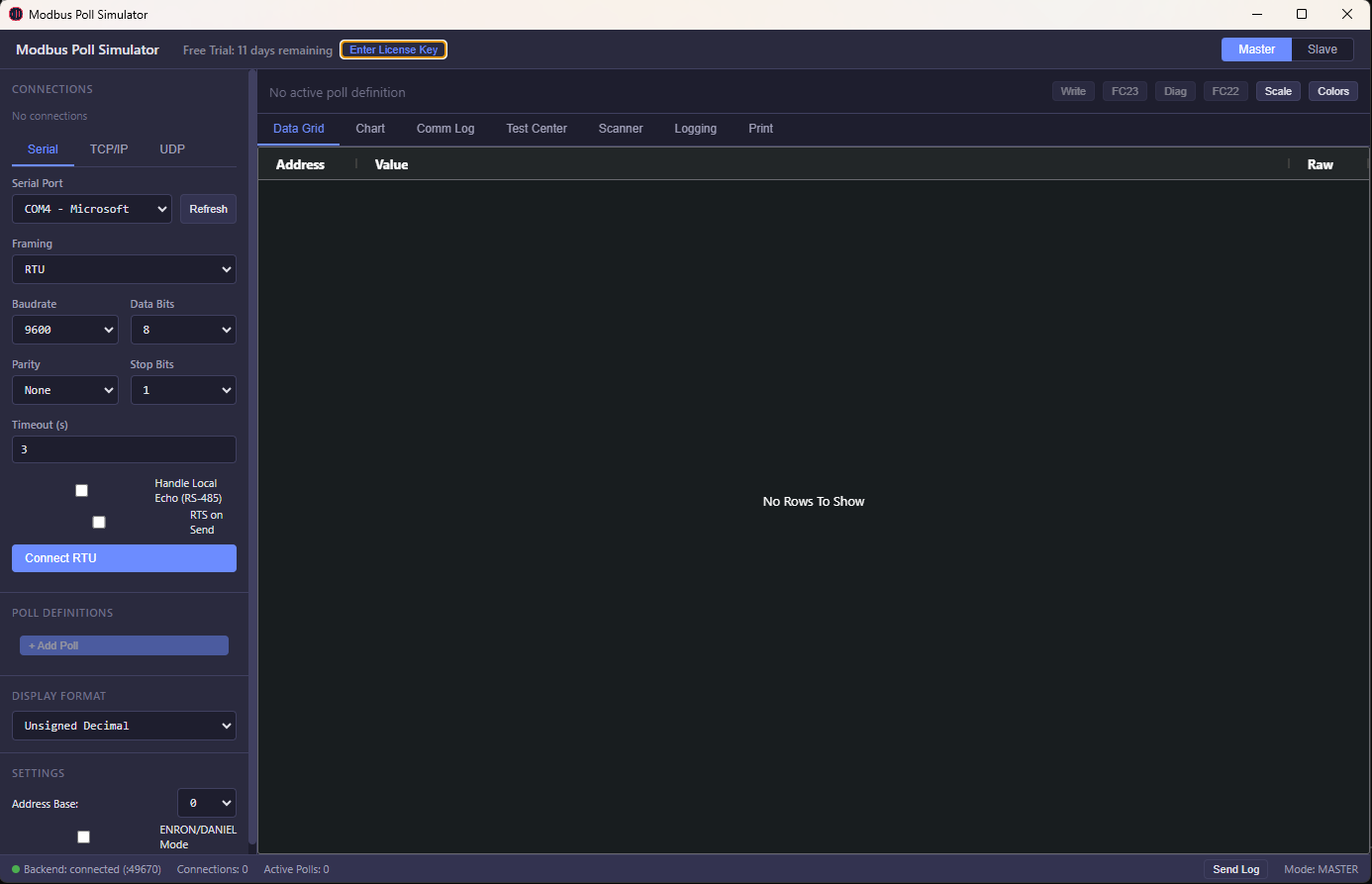
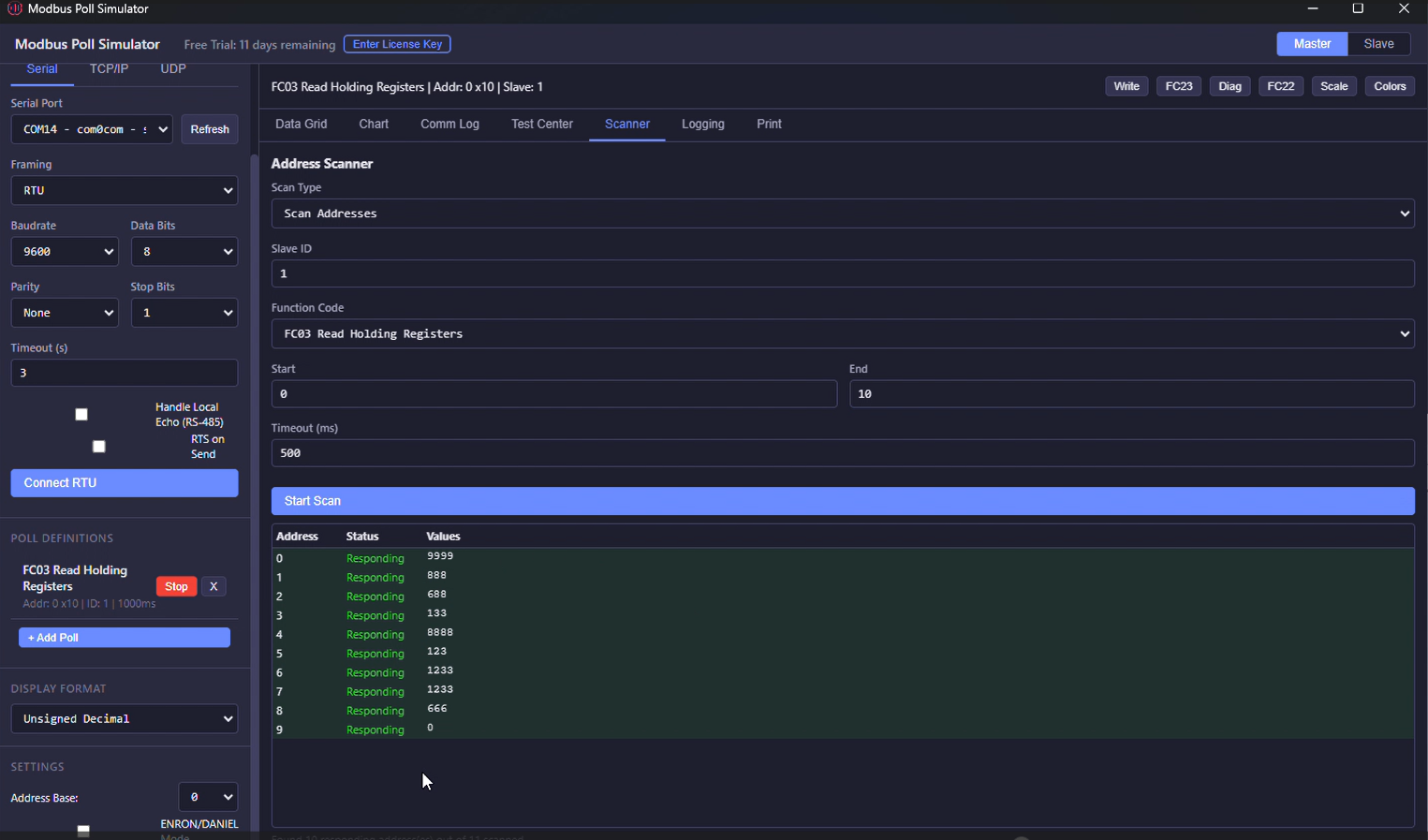 Address Scanner
 Live Charts
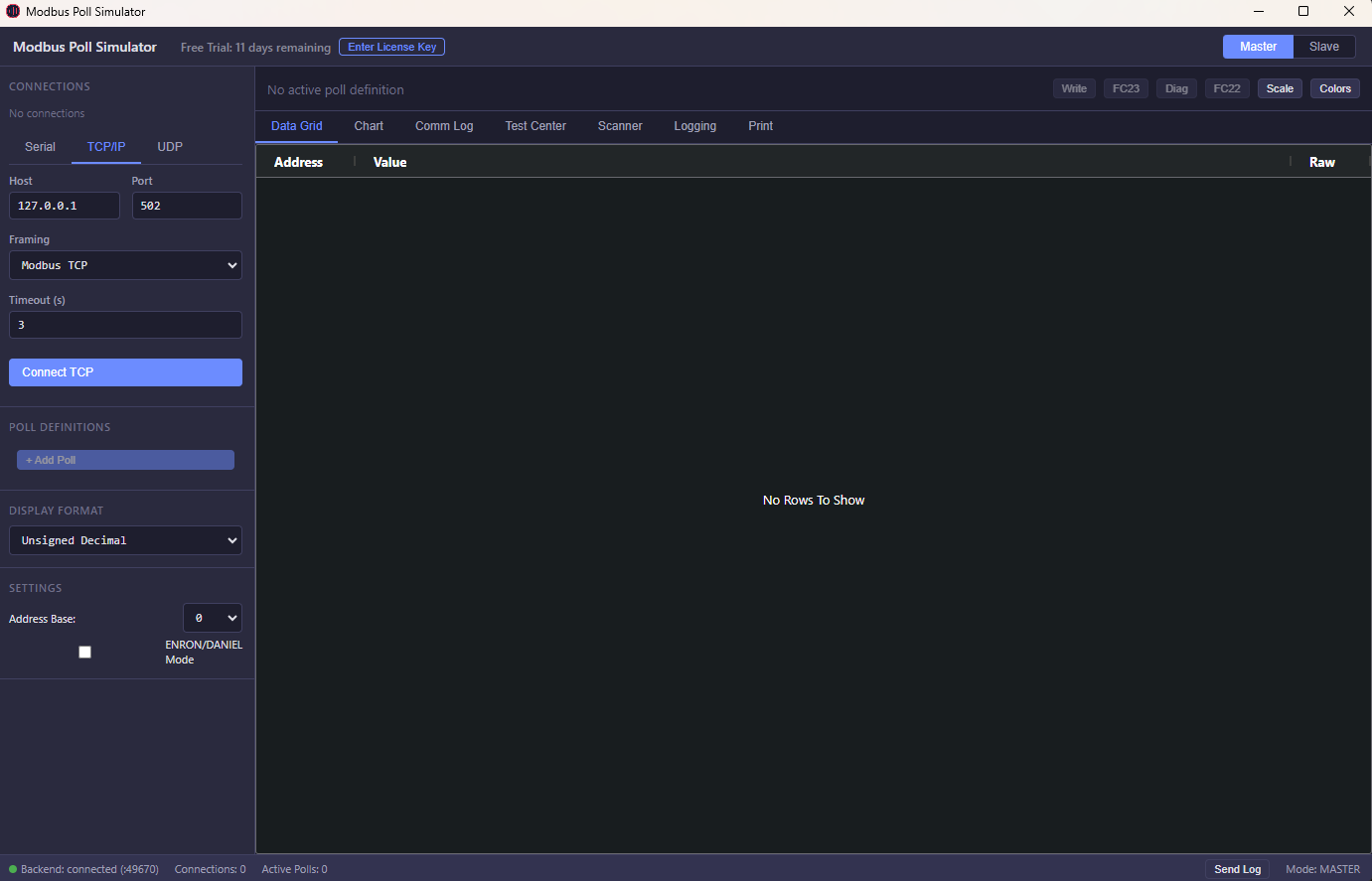
 Connection Setup
Test, debug, and simulate Modbus devices without physical hardware. Live data monitoring, fault simulation, and real-time register testing. Master + Slave modes included — no subscriptions, no separate purchases.
Windows 10/11 · 64-bit · Free 30-day trial · No credit card · Download page →
A modern, intuitive interface for professional Modbus testing and simulation.
Address Scanner
Live Charts
Connection Setup
The tool specifically targets the dedicated security flags. However, because the device must already be factory reset to trigger the FRP screen, personal user data will have already been wiped by the initial reset action.
| | Action | Instructions | |:---:|:---|:---| | 1 | Download & Install | Download Qualcomm Samsung FRP Tool.zip and extract its contents to an easily accessible folder on your Windows PC. | | 2 | Launch the Tool | Navigate to the extracted folder and right-click the QSF setup.exe file. Select "Run as administrator" to ensure it has the necessary permissions. | | 3 | Select Your Device Model | Once the QSF Tool is open, use the drop-down menu to locate and select your specific Samsung device model from the list. | | 4 | Boot into EDL Mode | Put your Samsung device into EDL Mode. This usually requires powering off the phone, then connecting it to the PC using an EDL cable while pressing specific button combinations. Alternatively, a test point method may be necessary to force the Qualcomm HS-USB QDLoader 9008 mode. | | 5 | Verify Connection | Confirm the QSF Tool detects the device. You should see a notification or status update indicating the device is ready. | | 6 | Erase FRP | In the QSF Tool interface, locate and click the "ERASE FRP" button to start the bypass process. | | 7 | Wait for Completion | The tool will now communicate with the device via the Firehose loader and erase the FRP partition. Wait for the on-screen confirmation message indicating the process is complete. | qsf tool qualcomm samsung frp full
The (Qualcomm Samsung FRP Tool) is a specialized software utility designed to bypass Factory Reset Protection (FRP) on Samsung smartphones equipped with Qualcomm Snapdragon chipsets. FRP is a security feature that locks a device to the previous owner's Google account after an unauthorized factory reset. Core Features The tool specifically targets the dedicated security flags
For Samsung smartphones running on Qualcomm processors, the has emerged as a specialized utility to address this issue. This article provides a comprehensive overview of the QSF Tool, its technical mechanics, and how it is used to bypass FRP locks. What is the QSF Tool? | | 2 | Launch the Tool |
Direct pricing. No marketing overhead. No subscriptions. Just great software.
One tool. Both sides of the protocol. Full visibility. Master + Slave included — competitors charge separately.
TCP, UDP, RTU, ASCII, RTU-over-TCP, ASCII-over-TCP, RTU-over-UDP, ASCII-over-UDP. RS-485 RTS toggle and local echo support.
FC01-06, FC08 Diagnostics, FC11 Event Counter, FC15/16 multi-write, FC17 Report Server ID, FC22 Mask Write, FC23 Read/Write, FC43 Device Info.
Real-time line charts with up to 8 simultaneous address traces. Color-coded, auto-scrolling, time-based display.
16-bit signed/unsigned/hex/binary/BCD, 32-bit float (4 byte orders), 64-bit double, 32/64-bit long, and ASCII string.
Log to CSV or XLSX in real-time. Print or export to PDF. REST API for Excel/VBA integration. Full communication logger with TX/RX hex data.
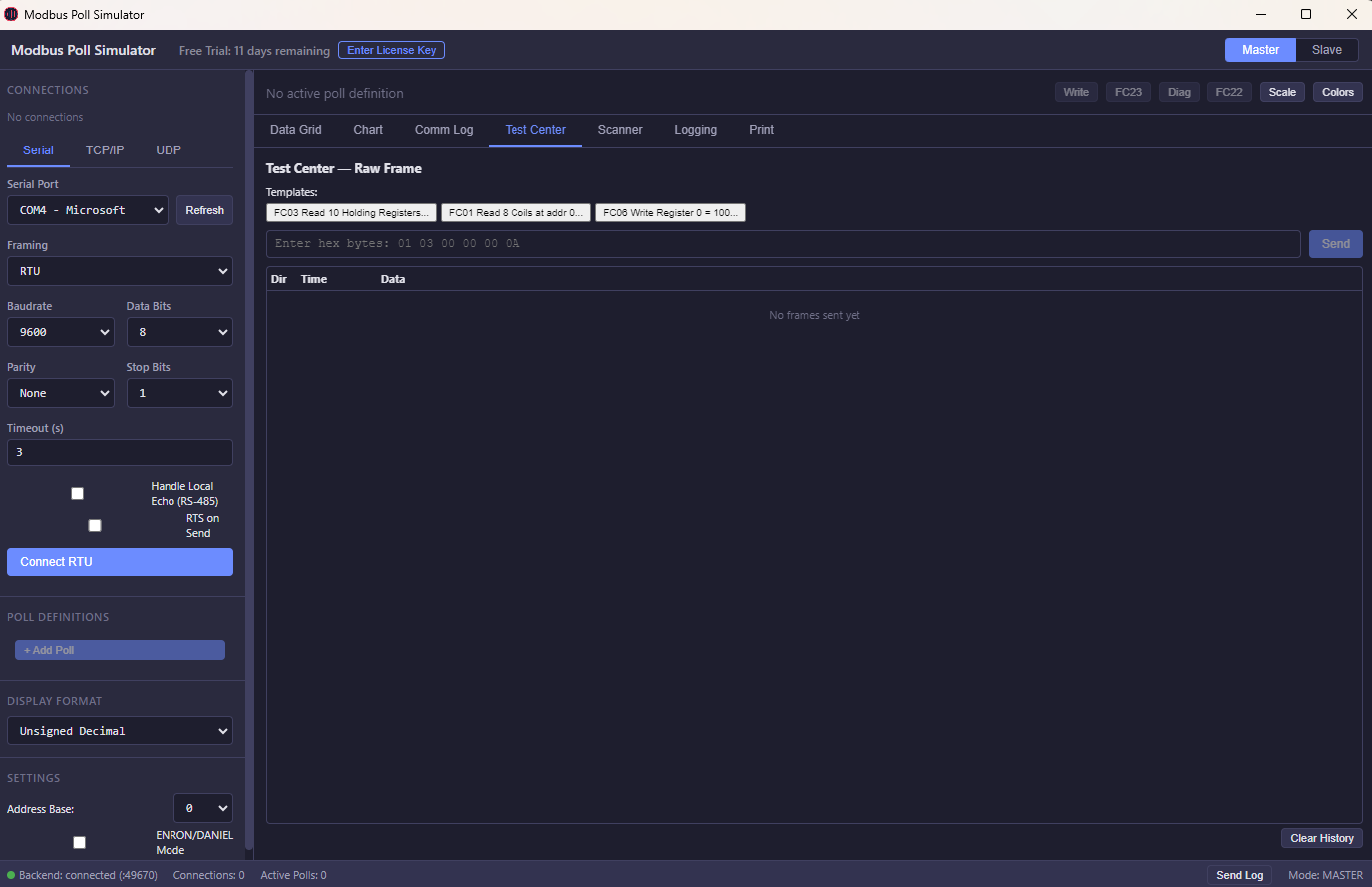
NEW: Raw frame analysis, exception injection, burst/adaptive polling, frame-level diagnostics. PLUS: Test Center, Address Scanner, color rules, scaling/offset, broadcast mode, ENRON/DANIEL addressing.
21+ display formats with 4 byte-order options. Scaling, offset, and conditional color rules.
Pay once. Own forever. No subscriptions. No annual fees. No hidden costs. Both Master & Slave modes included.
Download includes a 30-day free trial. No credit card required.
Windows 10/11 · 64-bit · 118 MB
Windows SmartScreen Warning?
After downloading, Windows may show a "Windows protected your PC" warning. This is normal for new software. To install:
1. Click "More info"
2. Click "Run anyway"
The app is 100% safe — no malware, no adware.